Computer Repair
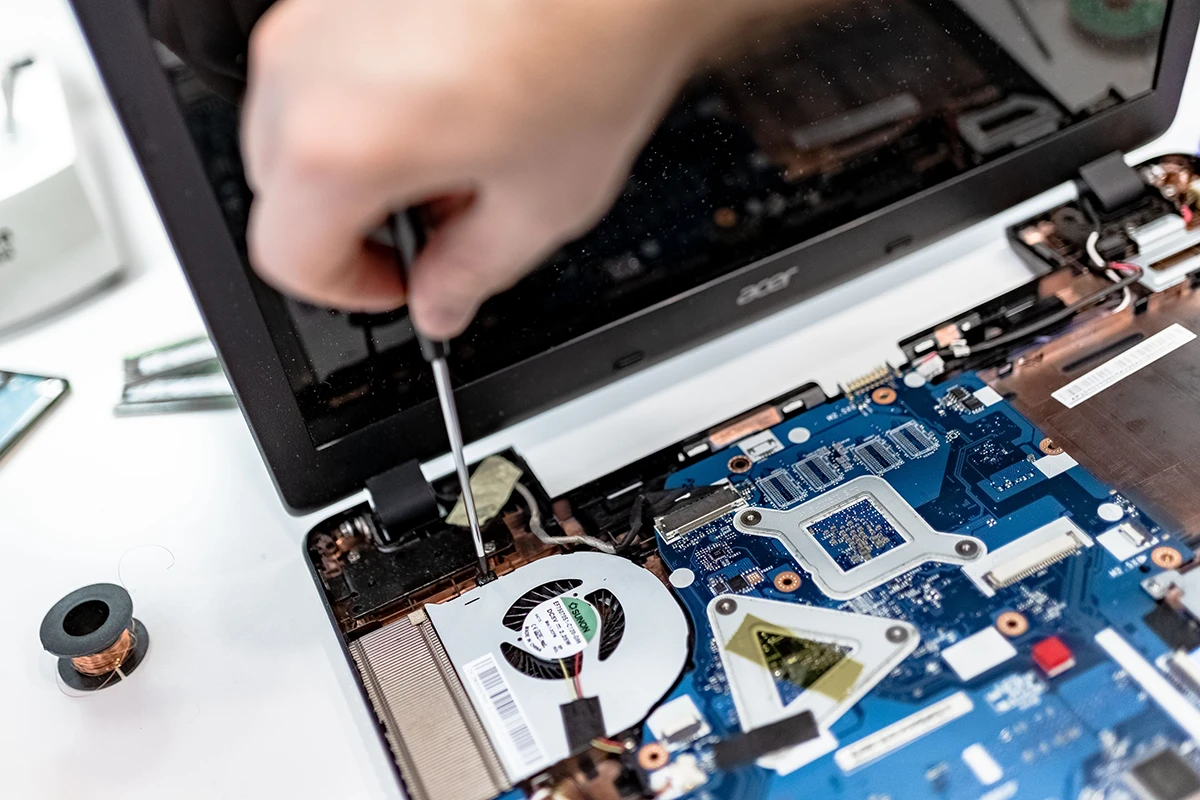
Diagnostics, hardware failures, slow performance, and general troubleshooting for Windows and Mac systems.
Learn moreService directory
From diagnostics and hardware upgrades to data recovery and custom PC builds — practical options for the technology you rely on every day.
Serving customers throughout the San Fernando Valley
Find the right next step
Choose a service below to learn about the types of problems it may address. The right solution depends on the device, symptoms, and diagnostic findings.
Diagnostics, hardware failures, slow performance, and general troubleshooting for Windows and Mac systems.
Learn more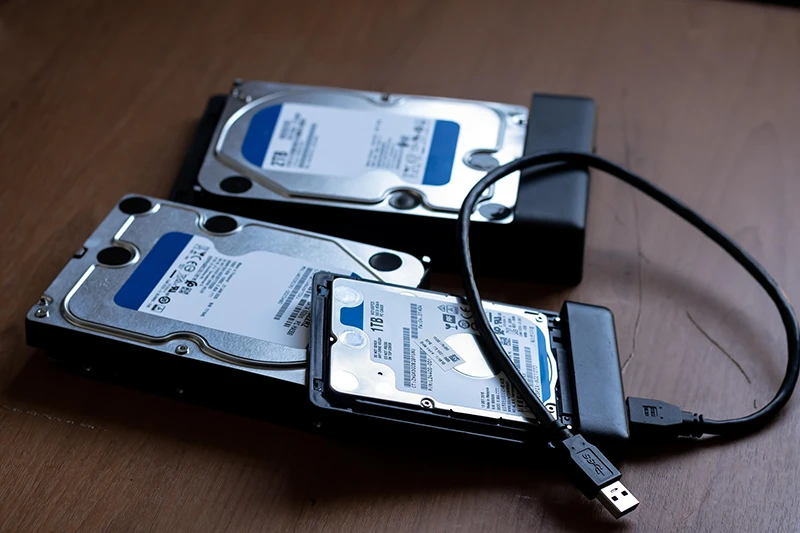
Recover files from failed drives, accidental deletion, and systems that no longer boot.
Learn more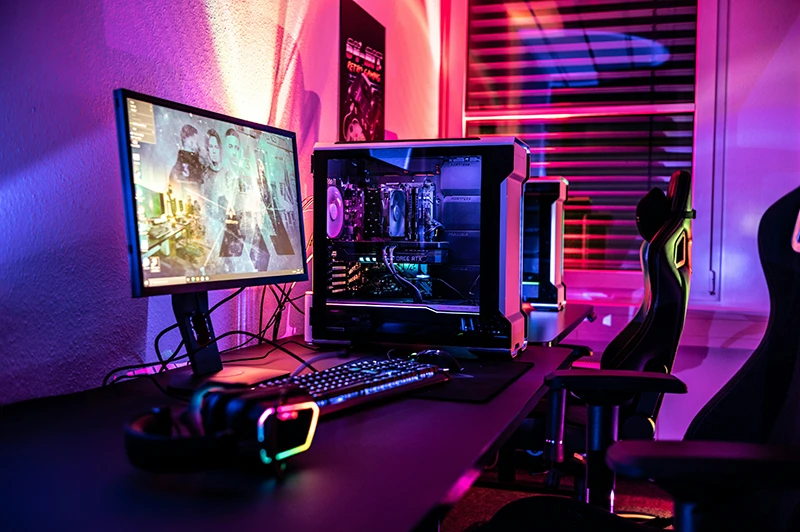
Gaming, workstation, and home office builds matched to your budget and needs.
Learn more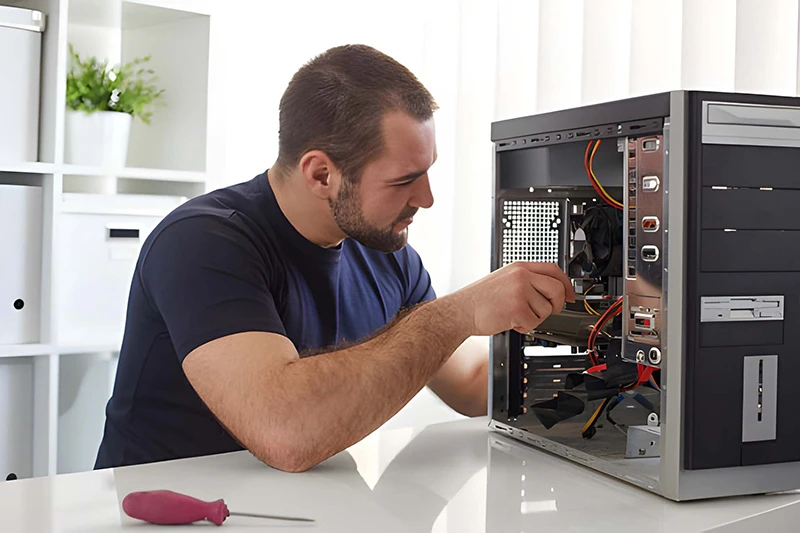
SSD installs, RAM upgrades, and tune-ups that make older machines feel new again.
Learn more
OS issues, driver problems, updates, and everyday software troubleshooting.
Learn more
On-site and remote help for small businesses — networks, workstations, and backups.
Learn more
01 / Diagnose & repair
When a computer behaves unpredictably, methodical troubleshooting can help identify the likely cause before you decide how to proceed. Describe the symptoms and any recent changes so the issue can be assessed.
02 / Protect your files
Storage problems can put photos, work files, and other important information at risk. The safest next step depends on the type and condition of the drive; avoid repeated attempts to access a drive that may be failing.
Recovery success can depend on the nature and severity of the storage failure; we assess first and are honest about the outlook.
Ask About Data Services
03 / Build to your needs
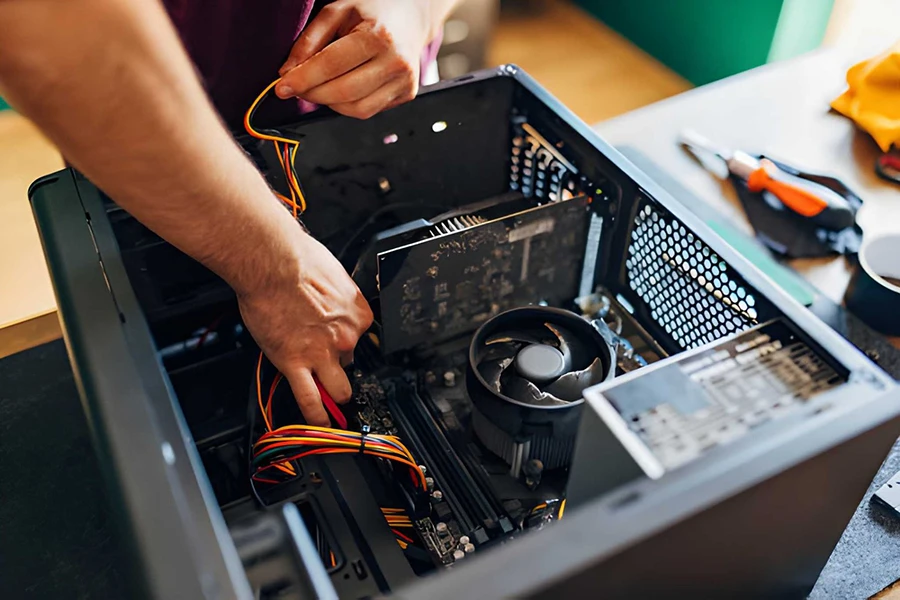
A well-planned build can match your workload, budget, and upgrade path. Whether you need a reliable office system, a content-creation workstation, or a gaming PC, we help select compatible parts and assemble a machine that fits how you work.
04 / Faster, more capable
Many systems gain a second life with the right upgrade. An SSD or extra RAM can transform everyday responsiveness far more than a full replacement — when the rest of the machine is still sound. We check compatibility and the likely benefit before recommending parts.
05 / Software & system health
Software problems — from stubborn updates to malware and cluttered startups — can make a machine feel broken even when the hardware is fine. We address OS issues, security concerns, and everyday software friction so the system works the way it should.
06 / For small business
Small teams need reliable systems without enterprise complexity. We help with workstation setup, network issues, backups, and practical IT support so your business stays productive.
How we work
Tell us what’s happening — symptoms, when it started, and any recent changes.
We inspect the system and identify the likely cause before any repair begins.
You get a straightforward price. Work starts only after you approve.
We complete the job, test thoroughly, and get you back up and running.
Common questions
You don’t have to decide alone. Describe the symptoms and we’ll point you toward the right path after a quick conversation or diagnostic.
Yes. We handle common repair and software issues on both Windows PCs and Mac systems.
Diagnostics are free on most standard repair jobs. If a more involved investigation is needed, we’ll tell you up front before proceeding.
Yes. On-site visits are available for small businesses in our service area. Remote support is also an option for many software and configuration issues.
Tell us what’s going on with your computer. We’ll help you figure out the next step — usually the same business day.