Upgrade Your Computer's Performance
When your computer feels slow, struggles with demanding applications, or no longer keeps up with the way you use it, CircuitFix can help improve its performance with practical hardware upgrades. Whether you’re running out of storage, need more memory, want better graphics performance, or simply want to extend the useful life of an older system, we’ll help identify the upgrades that make the most sense for your computer.
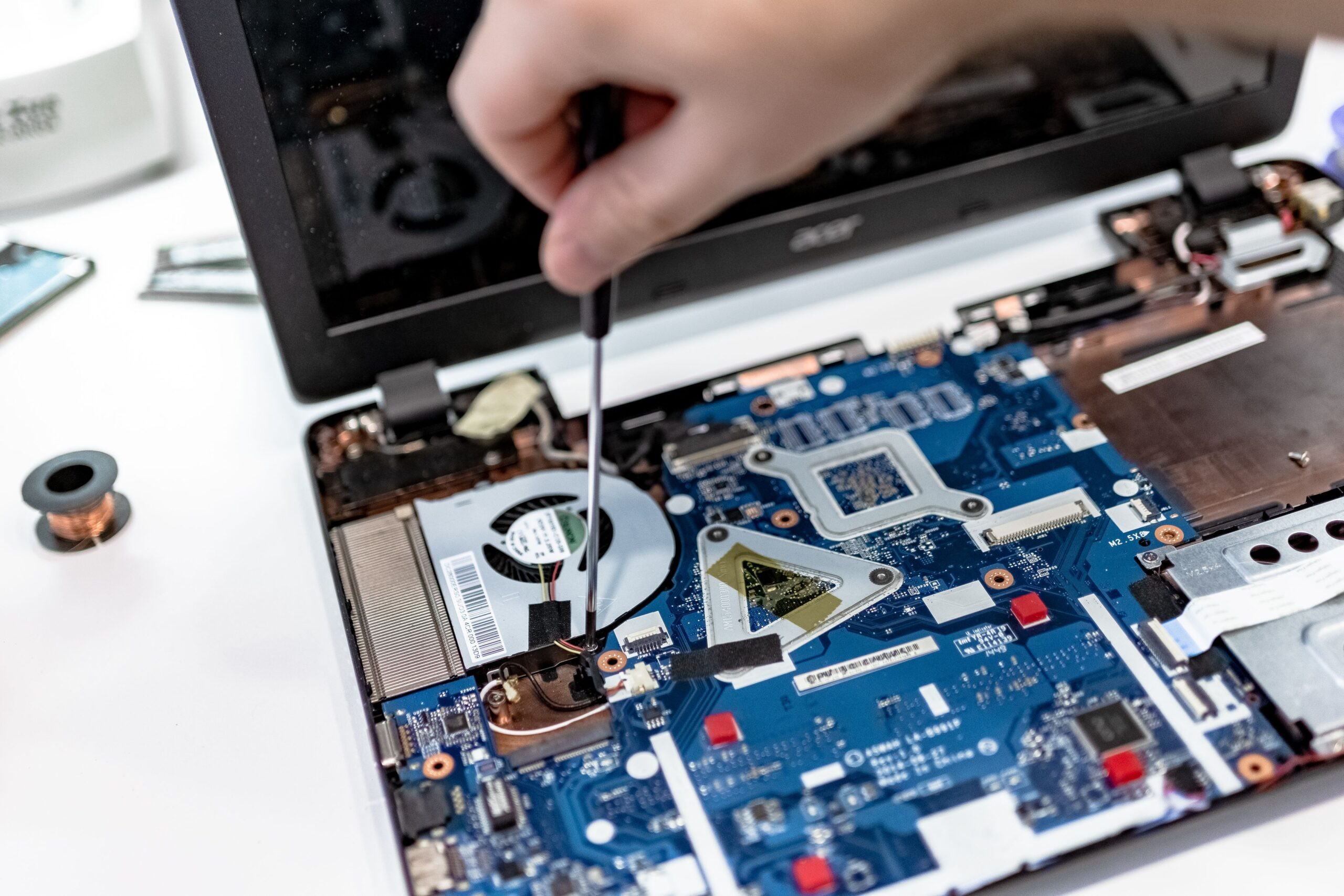
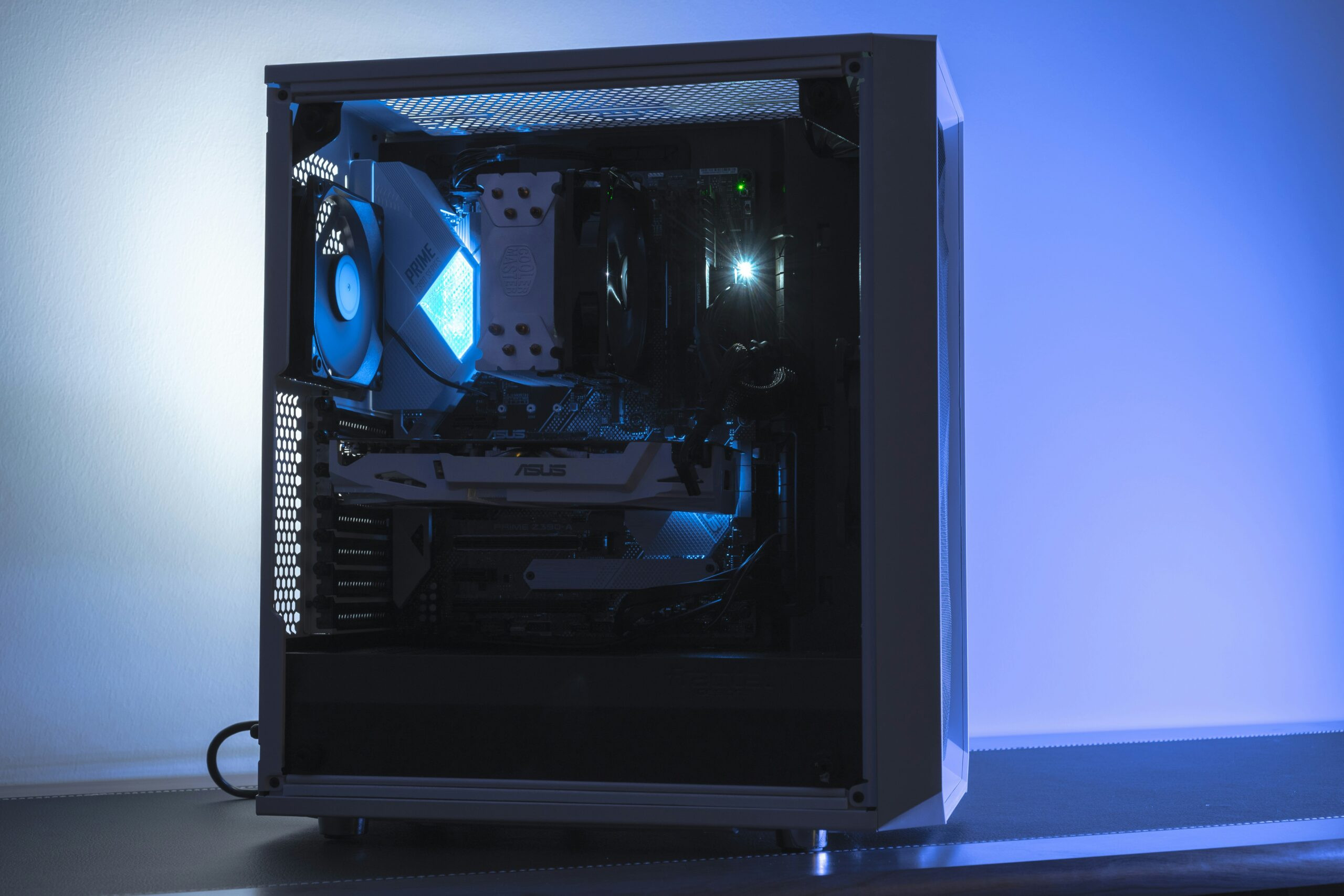
Our upgrade process begins with an evaluation of your current hardware and how you use your computer. We look at the processor, memory, storage, graphics, cooling, power supply, and other components to determine where an upgrade can provide the greatest benefit. Depending on the system, this may involve installing additional RAM, replacing a traditional hard drive with an SSD, upgrading graphics hardware, expanding storage, improving cooling, or making other compatible changes.
We work with a wide range of desktop PCs and laptops and can help with both simple upgrades and more involved performance improvements.
Get More From the Computer You Already Own
A slow or outdated computer doesn’t always need to be replaced. In many cases, a well-chosen hardware upgrade can make an older system feel significantly more responsive and better suited to the way you use it today.
CircuitFix can evaluate your existing hardware and help determine whether an upgrade makes sense. Instead of replacing an entire computer unnecessarily, we can identify the components that are limiting performance and recommend practical improvements based on your system, budget, and goals.
Upgrade What Matters Most
Not every computer needs the same upgrades. Adding more memory may help one system, while another may benefit much more from replacing an older hard drive with a solid-state drive. The right approach depends on the hardware you already have and the problems you’re trying to solve.
Common Computer Upgrades
- RAM and memory upgrades
- SSD upgrades
- Hard drive replacement
- Additional storage installation
- Graphics card upgrades
- CPU upgrades
- CPU cooling improvements
- Case fan installation
- Power supply upgrades
- Wi-Fi and Bluetooth upgrades
- Additional expansion cards
- Laptop storage upgrades
- Laptop memory upgrades
- Windows and driver configuration
- Hardware compatibility checks
- Post-upgrade performance testing
We focus on upgrades that provide a practical improvement rather than recommending hardware simply because something newer is available. When an upgrade isn’t worthwhile, we’ll explain why and help you understand your other options.
More Speed
Replace an aging hard drive with an SSD, improve system responsiveness, and reduce frustrating load times.
More Capacity
Add additional storage for applications, photos, videos, games, projects, and other growing files.
More Performance
Upgrade memory, graphics, cooling, or other components when your workload demands more from your system.
This is very easy for a visitor to scan and immediately understand.
Is Your Computer Holding You Back?
Computers don’t necessarily become obsolete all at once. Sometimes a single component is responsible for the slowdown you’ve been experiencing.
Slow Startup
Your computer takes much longer than it used to when starting Windows.
Programs Feel Sluggish
Applications take longer to open, respond, or switch between.
Running Out of Storage
Your drive is nearly full and you regularly need to delete files to make room.
Not Enough Memory
Your system slows down when multiple applications or browser tabs are open.
Poor Gaming Performance
Games struggle with low frame rates or settings that your system used to handle.
Overheating
High temperatures or loud fans are limiting performance or causing instability.